Enhance
Image Upscaler
Enlarge a photo in the browser with high-quality resampling and a light sharpen.
Open toolPhoto lab for tools and production
Free online image tools for creators, photographers and businesses — plus professional photo editing services.
7
Free tools
Ready in the browser
0
Accounts required
Open a tool and start
Local
Browser processing
Free-tool images stay on your device
Studio
Editing available
Quoted before work starts
Two paths
Both paths live on this site. One is immediate and local. The other starts with a quote, because a person has to see the file before anyone promises a result.
Open a tool, drop the image, and download the result. There is no account. The photo is processed on your device. Use this when the job is a crop, a smaller file, a format change, a print-size check, a tone lift, a larger pixel grid, or a background cutout you can judge yourself.
Send a quote when the edge is hair, metal, glass, or a garment on a form. Send one when a set of frames has to share a crop, a margin, and a file name. The quote names the service, the volume, the format, and the timing. Work starts after that scope is accepted, not when the form is submitted.
The services on this site are the ones the studio actually takes. A listing page is a description. The quote is the job.
Free tools
Enhance
Enlarge a photo in the browser with high-quality resampling and a light sharpen.
Open toolRestore
Lift brightness, contrast, color, and sharpness on a faded photo. The edit stays on your device.
Open toolOptimize
Reduce file size for the web and see the before and after weight before you download.
Open toolWho it is for
FixPhotoLab is not a single trick. The useful question is whether you can judge the result yourself in the browser, or whether a person should finish the file against a standard.
A marketplace frame often needs a clean ground, a consistent margin, and a file that is light enough for the page. Crop and compress in the browser when the shot is already close. Ask for clipping, background removal, shadow, or a full product pass when the set has to match.
Use the tools for a local check: pixel size for a print, a tone lift on a flat scan, a crop for a social frame. Send retouching, beauty, jewelry, or masking when the file is a client deliverable and the edge has to survive a zoom.
Campaign stills, lookbooks, and color variants need a written scope. Say which frames are the hero, which color must change, and which texture has to stay. The quote is where that list lives, so a batch does not drift.
Real estate frames are about light, verticals, and a room that still looks like the room. The studio service is for that pass. A browser tool can still compress the export or check that the pixel count is enough for the portal.
Studio services
Production editing for catalogs, campaigns, and listings. Each job is scoped in a quote.
Studio examples
The file as it arrived, next to the finished file.
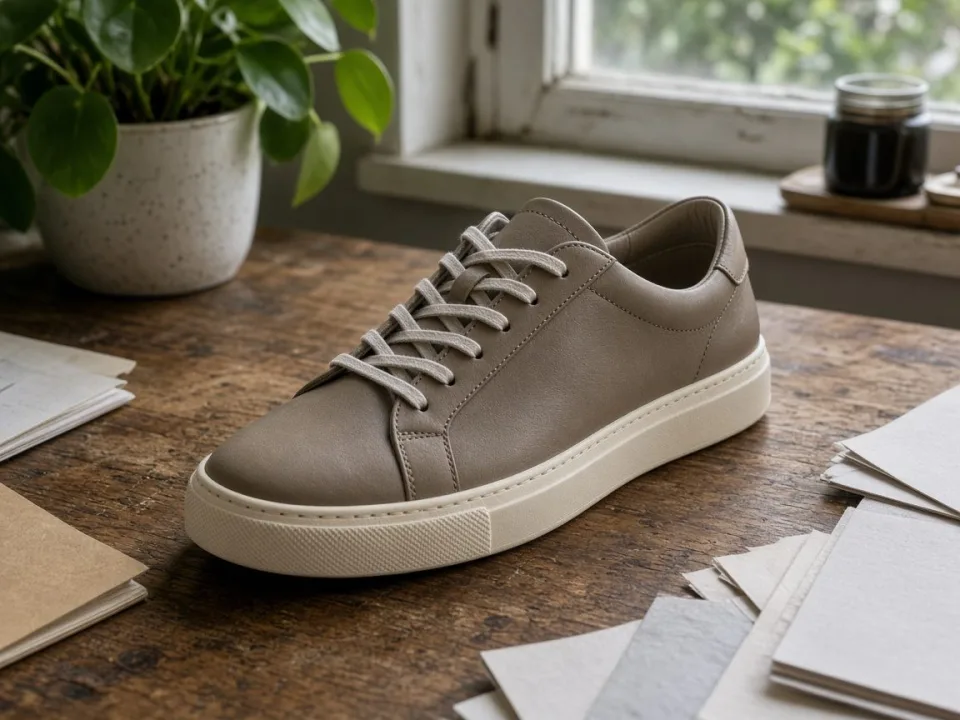
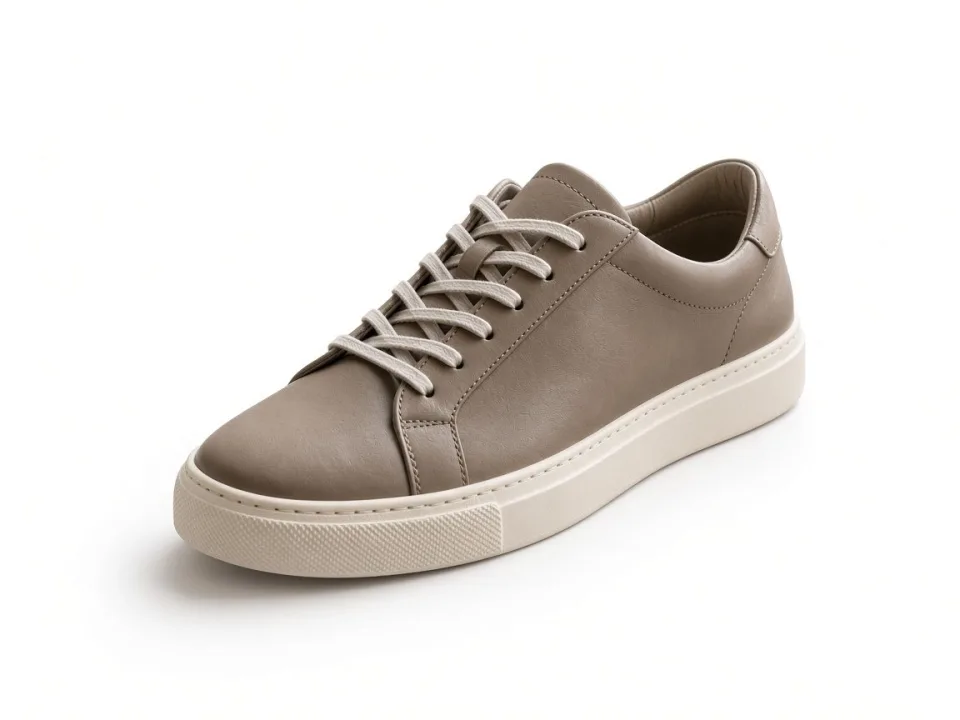
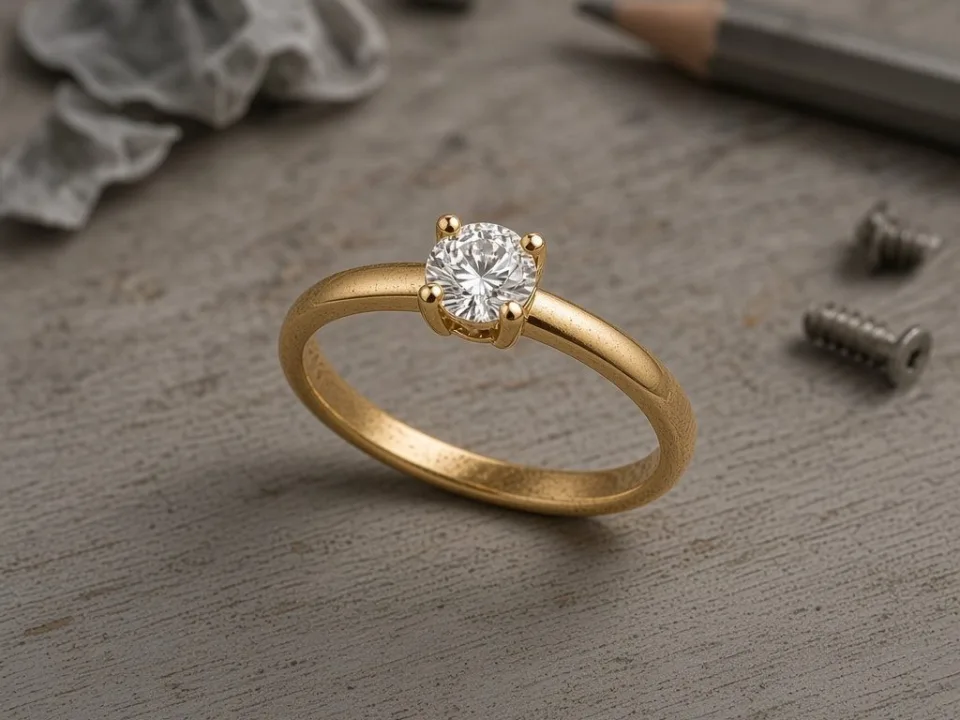
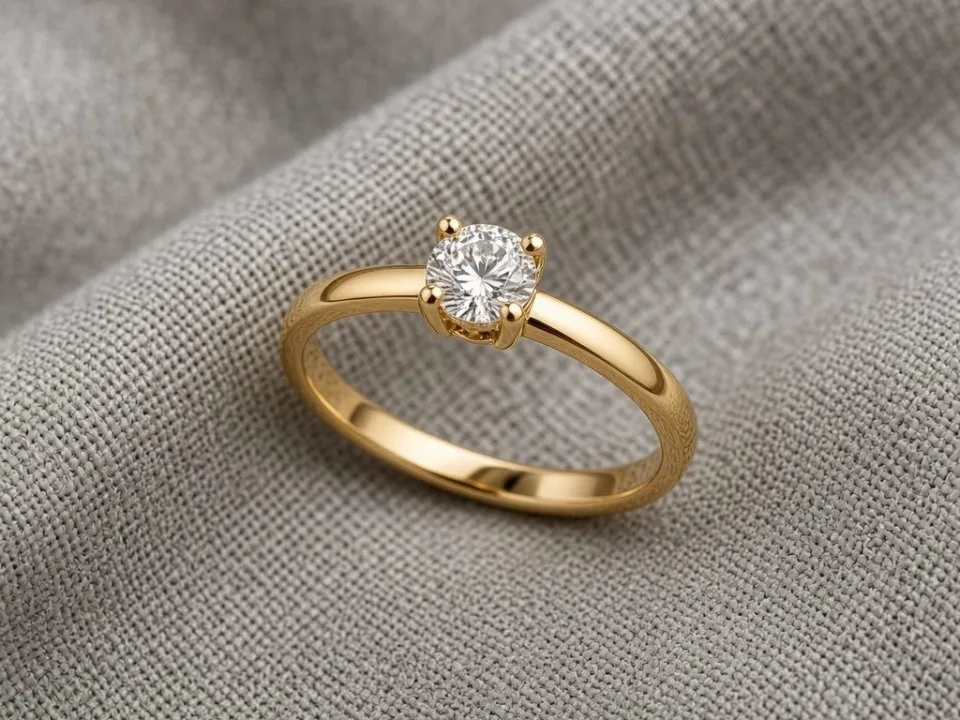



Why FixPhotoLab
The free tools cover everyday image tasks. The studio covers the work that should not be rushed through an automatic filter.
Open a tool, edit, and download. There is no account step in the way.
Use a tool for a simple job. Request a quote when the file needs a specialist.
Clipping, masking, retouching, and listing images are handled as scoped studio work.
The free tools use your device. They do not upload the image to FixPhotoLab.
Tool images stay in the browser tab. Quote files are the files you choose to send.
Files you export from the free tools are yours to use in client and commercial work.
The quote form is the path for volume, complex edges, and files that need a person.
How it works
Use a free tool for a local edit, or open a service if the image needs production work.
Crop, compress, convert, calculate size, restore tone, enlarge, or remove a background in the browser.
Tell us the service, volume, and deadline. We reply with scope before editing starts.
Studio files come back for review. Adjustments included in the quote are handled from there.
Before you write
Name the service. If you are unsure, say what the picture has to do: sit on white, keep a flyaway hair, remove a mannequin, change a metal color, or make twelve rooms feel like one shoot. A vague “make it better” produces a vague reply.
Count the images. A single hero and a catalog of two hundred are different jobs. If some frames are harder than others, say which ones. A sample file is more useful than a long adjective.
Say what must not change. A logo, a stitch, a skin texture, a wall color, or a price tag printed on the product should be called out. Over-cleaning is how leather starts to look like plastic and how a room stops looking like the listing.
Portfolio
Blog
TL;DR: The Short Answer The best Instagram image size in 2026 is 1080×1350 pixels (4:5 portrait) for feed posts — it fills the most vertical screen space and…
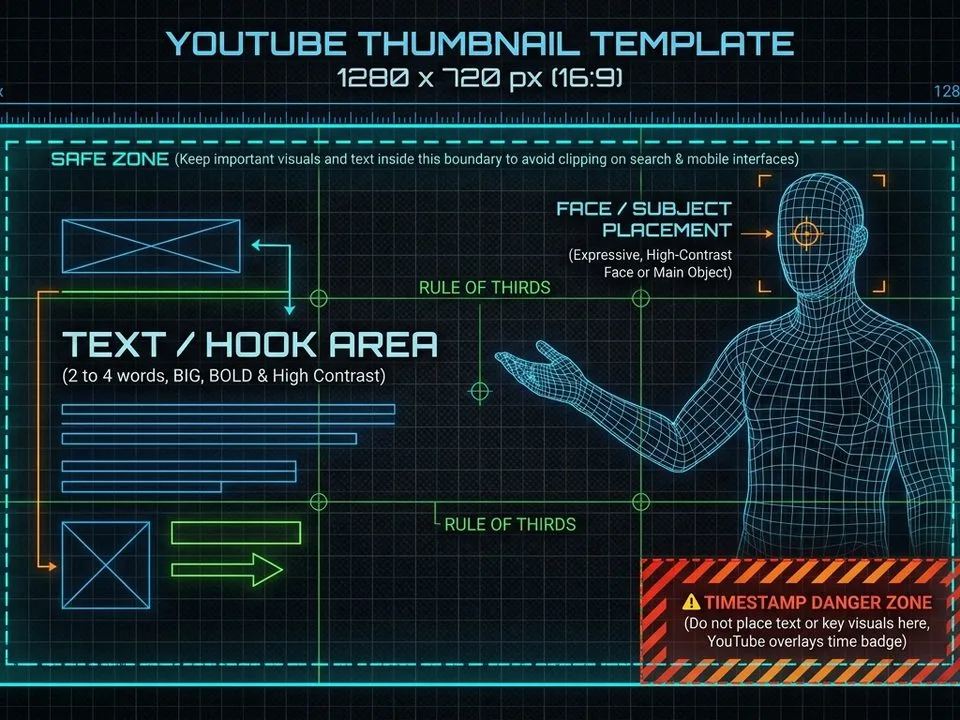
TL;DR: The Short Answer The perfect YouTube thumbnail size is 1280×720 pixels (16:9 aspect ratio), under 2MB, saved as JPG or PNG. Minimum width is 640px — anything…
TL;DR: The Short Answer The Facebook image sizes that matter in 2026: feed posts at 1080×1350 pixels (4:5 portrait) for maximum screen space, link previews at 1200×630 (1.91:1),…
FAQ
The full list covers tools, privacy, quotes, and studio work.
Read the FAQFixPhotoLab publishes free image tools and also takes on professional photo editing. Use a tool when the job is simple. Use a quote when a person should finish the file.
No. Open a tool and work. The studio quote is separate and only happens if you send one.
Yes. The browser tools do not ask for payment or a sign-up.
No. The image is processed in your browser. The background remover downloads its model once from the model host; the photo itself is not uploaded. Closing the tab discards the working copy.
The service, the number of images, the file format you need back, and a deadline if you have one. A sample file helps.
Professional editing
Share the service, the volume, and a deadline. You receive a quote with scope before any work begins.
The tools run in your browser. The studio takes over when the files need production finishing.